
فهم Workflows وNodes في n8n | Understanding n8n Workflows and Nodes
تعلّم ببساطة، خطوة بخطوة
Learn simply, step by step
معلومة واضحة، ثم خطوة جديدة.
Clear knowledge, one step at a time.
فهم Workflows وNodes في n8n Understanding n8n Workflows and Nodes
ما هي مسارات العمل في n8n؟
تمثل مسارات العمل في n8n مجموعة من الخطوات المتصلة التي تنفذ مهمة تلقائيًا. يسمى المسار Workflow، بينما تسمى كل خطوة داخله Node.
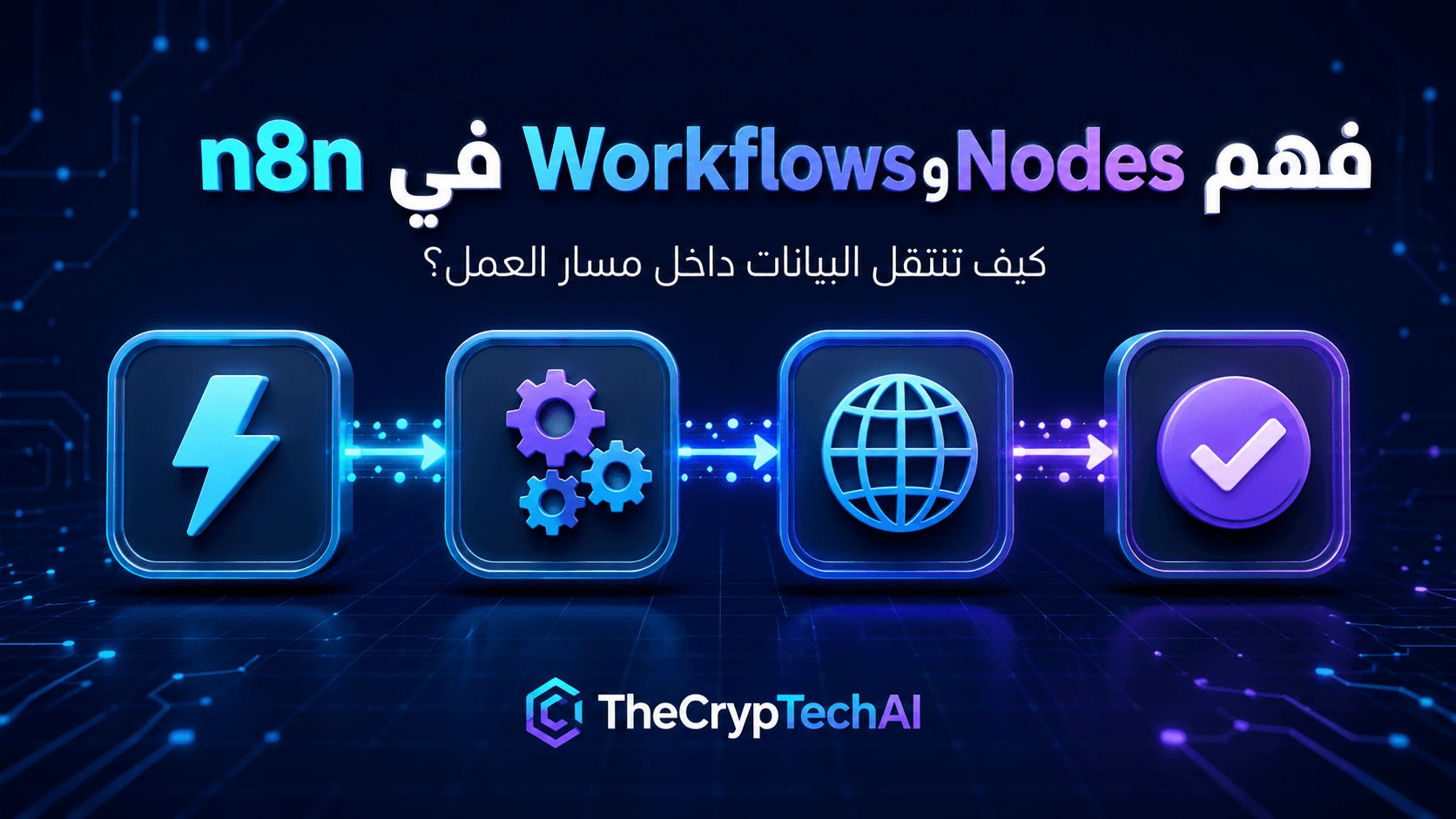
يبدأ الـWorkflow عادةً عند حدوث حدث محدد، ثم تنتقل البيانات بين العُقد حتى تصل إلى النتيجة المطلوبة، مثل حفظ المعلومات أو إرسال إشعار.
ما الفرق بين Workflow وNode؟
الـWorkflow هو العملية الكاملة التي تريد أتمتتها، أما الـNode فهي خطوة واحدة داخل هذه العملية.
على سبيل المثال، يمكن أن يحتوي مسار استقبال نموذج جديد على أربع عُقد:
- عقدة تستقبل بيانات النموذج.
- عقدة تتحقق من البيانات.
- عقدة تحفظ المعلومات.
- عقدة ترسل رسالة تأكيد.
أنواع العُقد في n8n
تختلف وظيفة العُقد حسب المهمة، لكن يمكن تقسيمها بصورة مبسطة إلى:
- Trigger Node: تبدأ تشغيل المسار عند حدوث حدث أو في وقت محدد.
- Action Node: تنفذ إجراءً مثل إنشاء سجل أو إرسال رسالة.
- Processing Node: تعدل البيانات أو ترتبها أو تطبق شروطًا عليها.
- Connection Node: تتصل بتطبيق أو خدمة من خلال API.
كيف تنتقل البيانات بين العُقد؟
عند تشغيل المسار، تنتج العقدة الأولى بيانات ترسلها إلى العقدة التالية عبر خط الاتصال. تقرأ العقدة الجديدة هذه البيانات، ثم تنفذ مهمتها وترسل النتيجة إلى الخطوة التي تليها.
يمكن أيضًا إضافة شروط لتحديد اتجاه البيانات. فمثلًا، إذا كانت بيانات النموذج مكتملة يستمر المسار، وإذا كانت ناقصة ينتقل إلى خطوة أخرى لإرسال تنبيه.
كيف تبني Workflow منظمًا؟
- حدد النتيجة المطلوبة قبل إضافة العُقد.
- ابدأ بعقدة Trigger واضحة.
- اجعل لكل Node وظيفة محددة.
- اختبر كل عقدة قبل إضافة الخطوة التالية.
- أضف معالجة للأخطاء والبيانات الناقصة.
- سمِّ العُقد بأسماء توضّح وظائفها.
ويمكنك زيارة
أدوات TheCrypTechAI المجانية
لرؤية أمثلة على مهام رقمية يمكن ربطها مستقبلًا داخل مسارات أتمتة.
كما يمكنك مراجعة
دليل Workflows في وثائق n8n الرسمية
لمعرفة المزيد عن إنشاء المسارات وحفظها وتشغيلها.
الخلاصة
تتكون مسارات العمل في n8n من عُقد متصلة، وتمثل كل عقدة خطوة داخل العملية. تبدأ البيانات من Trigger، ثم تنتقل بين العُقد حتى تكتمل المهمة. ويساعد تنظيم الخطوات واختبار كل عقدة على بناء Workflow أسهل في الفهم والصيانة.
What Are n8n Workflows and Nodes?
n8n Workflows and Nodes are the main building blocks used to automate a process. A workflow represents the complete automated process, while each node represents one step inside it.
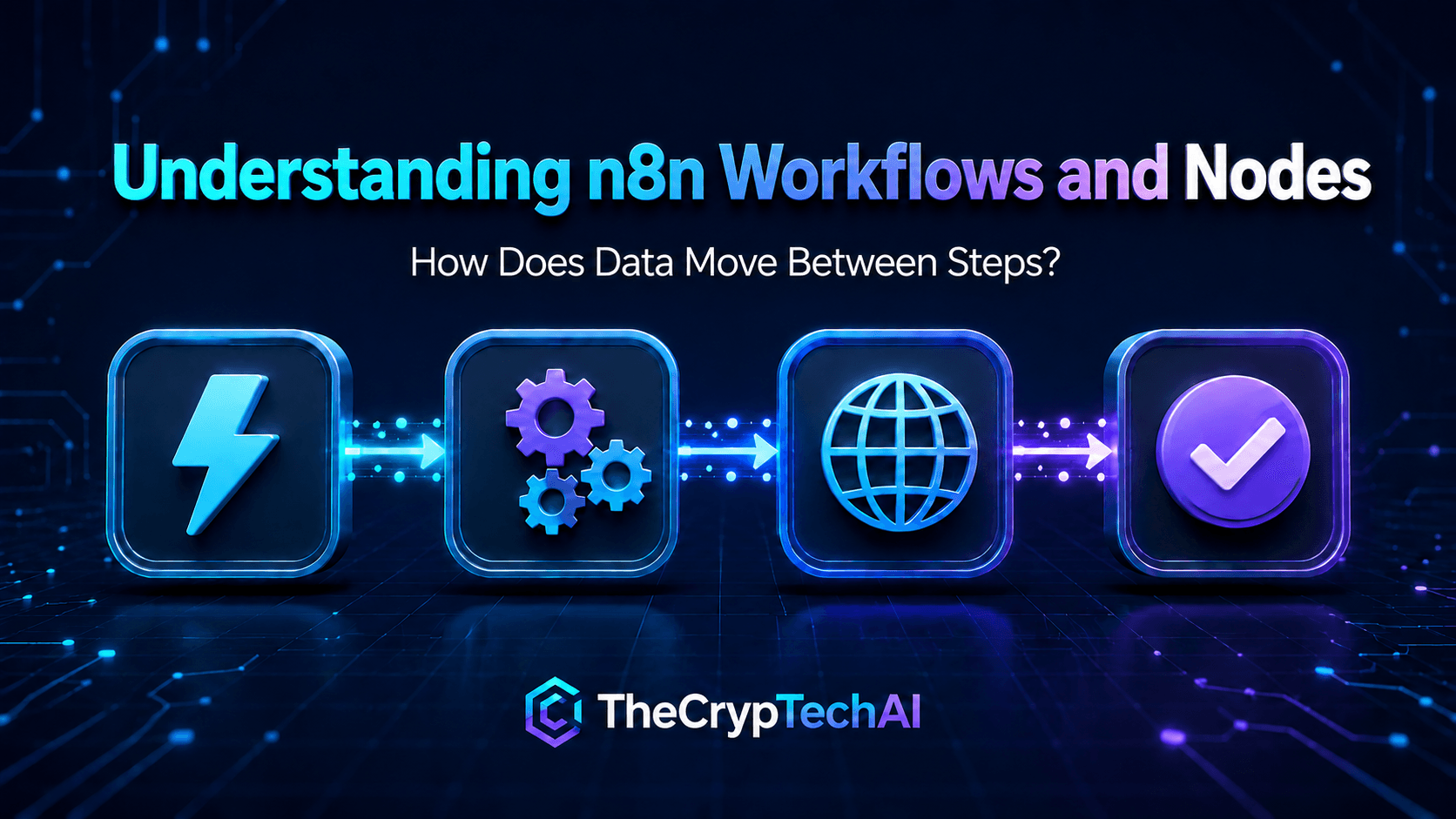
A workflow usually starts when a specific event occurs. Data then moves between the connected nodes until the required result is produced, such as saving information or sending a notification.
What Is the Difference Between a Workflow and a Node?
A workflow is the complete process you want to automate. A node is a single step within that process.
For example, a workflow that handles a new form submission may contain four nodes:
- A node that receives the submitted information.
- A node that validates the data.
- A node that saves the information.
- A node that sends a confirmation message.
Common Types of n8n Nodes
Nodes perform different functions depending on the task. They can be divided into several simple categories:
- Trigger Node: Starts the workflow when an event occurs or at a scheduled time.
- Action Node: Performs an action such as creating a record or sending a message.
- Processing Node: Modifies, organizes, or applies conditions to data.
- Connection Node: Connects the workflow to an application or service through an API.
How Does Data Move Between Nodes?
When the workflow runs, the first node produces data and sends it through a connection to the next node. The receiving node reads the information, performs its task, and passes the result to the following step.
Conditions can also control the direction of the data. For example, complete form information may continue through the main path, while missing information may follow another path that sends an alert.
How Do You Build an Organized Workflow?
- Define the required result before adding nodes.
- Begin with a clear trigger node.
- Give each node one specific purpose.
- Test every node before adding the next step.
- Add appropriate handling for errors and missing data.
- Give nodes clear names that describe their functions.
You can explore the
free tools available from TheCrypTechAI
to see examples of digital tasks that could later be connected to automation workflows.
You can also review the
official n8n workflow documentation
to learn more about creating, saving, and running workflows.
Key Takeaway
n8n Workflows and Nodes work together to automate a process. Each node represents one step, and data moves from the trigger through the connected nodes until the task is complete. Organizing the steps and testing every node makes a workflow easier to understand and maintain.
اختبر فهمك
Check Your Understanding
سؤالان سريعان لتثبيت أهم ما تعلمته.
Two quick questions to reinforce the key ideas.