
فهم APIs وJSON للمبتدئين | Understanding APIs and JSON for Beginners
تعلّم ببساطة، خطوة بخطوة
Learn simply, step by step
معلومة واضحة، ثم خطوة جديدة.
Clear knowledge, one step at a time.
فهم APIs وJSON للمبتدئين Understanding APIs and JSON for Beginners
شرح APIs وJSON للمبتدئين
يساعد شرح APIs وJSON على فهم كيفية تبادل البيانات بين n8n والتطبيقات المختلفة. تستخدم واجهة API لإرسال طلب إلى خدمة، بينما تُستخدم JSON غالبًا لتنظيم البيانات المرسلة أو المستلمة.
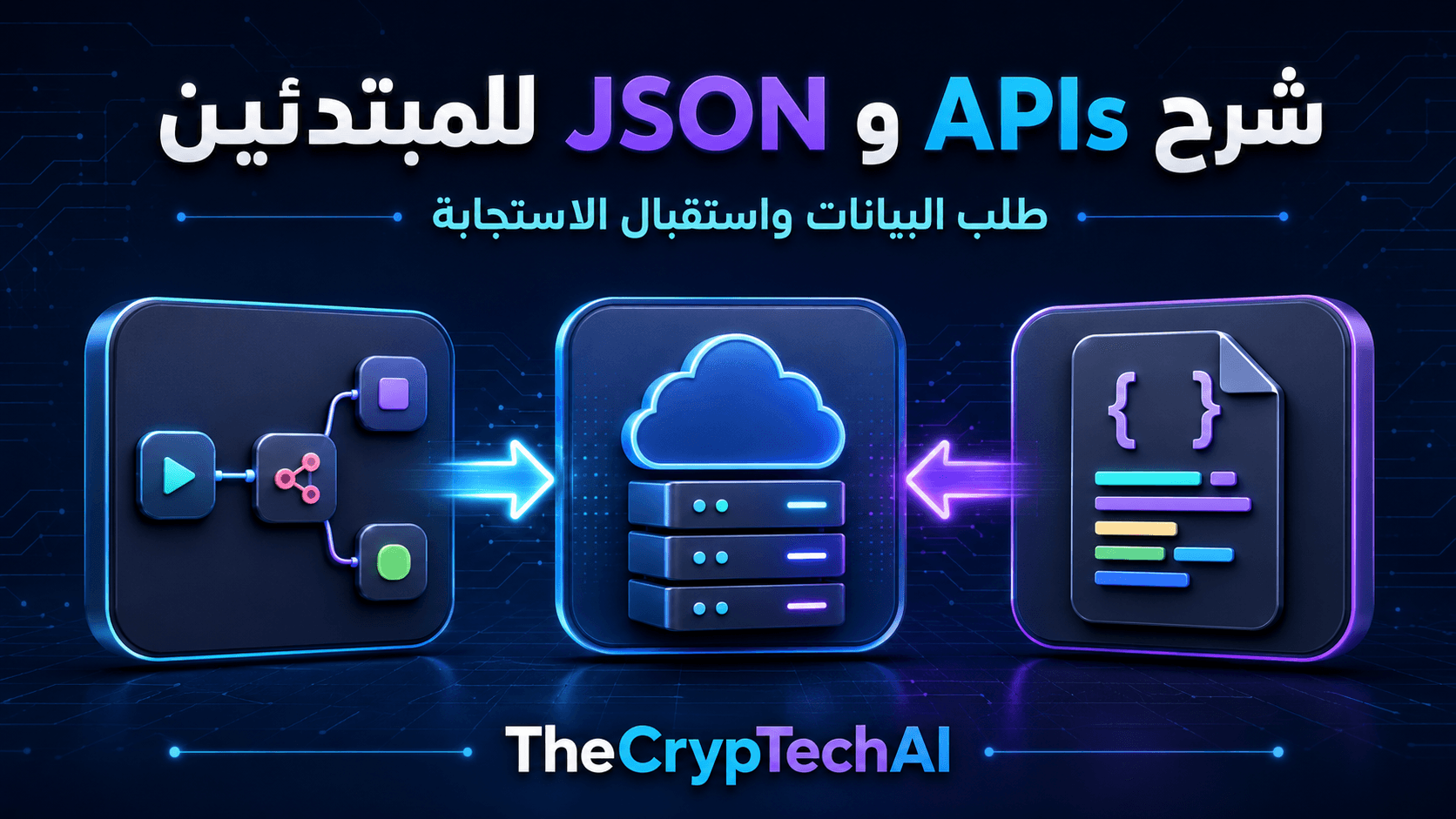
ما هي API؟
واجهة API هي وسيلة تسمح لتطبيقين بالتواصل وفق قواعد محددة. يرسل التطبيق الأول طلبًا إلى عنوان يسمى Endpoint، ثم تعيد الخدمة استجابة تحتوي على النتيجة.
على سبيل المثال، يمكن لـn8n إرسال طلب إلى خدمة طقس أو منصة عملات للحصول على أحدث البيانات، ثم استخدام النتيجة داخل الـWorkflow.
أشهر طرق طلب API
- GET: الحصول على بيانات من الخدمة.
- POST: إرسال بيانات جديدة.
- PUT أو PATCH: تحديث بيانات موجودة.
- DELETE: طلب حذف بيانات.
لا تدعم كل API الطرق نفسها، لذلك يجب مراجعة وثائق الخدمة لمعرفة الرابط والحقول وطريقة المصادقة المطلوبة.
ما هي JSON؟
JSON صيغة نصية منظمة تُستخدم لتبادل البيانات. تتكون غالبًا من مفاتيح وقيم، ويمكن أن تحتوي على نصوص وأرقام وقيم منطقية وقوائم.
مثال مبسط:
{
  "name": "TheCrypTechAI",
  "status": "active",
  "tools": 12
}
في هذا المثال، name وstatus وtools هي مفاتيح، بينما البيانات الموجودة بعدها هي القيم.
كيف تستخدم API داخل n8n؟
تسمح عقدة HTTP Request بإرسال طلبات API من داخل Workflow. تحتاج عادةً إلى تحديد:
- طريقة الطلب مثل GET أو POST.
- عنوان Endpoint.
- بيانات Authentication إذا كانت مطلوبة.
- Parameters أو Headers أو Body حسب تعليمات الخدمة.
بعد تنفيذ العقدة، تظهر الاستجابة غالبًا بصيغة JSON. يمكنك اختيار أي قيمة منها واستخدامها في عقدة أخرى من خلال الربط أو Expressions.
رموز الاستجابة الشائعة
- 200: تم الطلب بنجاح.
- 400: توجد مشكلة في البيانات أو صيغة الطلب.
- 401: بيانات المصادقة غير صحيحة أو غير موجودة.
- 404: الرابط أو المورد غير موجود.
- 500: حدث خطأ داخل الخدمة المستقبلة.
لا تضع API Key مباشرةً داخل الأكواد أو الحقول العامة. استخدم نظام Credentials الآمن في n8n، ولا تشارك المفاتيح في الصور أو الشروحات.
يمكنك زيارة
قسم أدوات TheCrypTechAI المجانية
لرؤية أمثلة على أدوات تعتمد على البيانات والخدمات الرقمية.
ولمعرفة إعدادات طلبات API داخل المنصة، راجع
وثائق HTTP Request الرسمية في n8n.
الخلاصة
يوضح شرح APIs وJSON أن API تُستخدم لطلب البيانات أو إرسالها، بينما تنظم JSON البيانات في صورة مفاتيح وقيم. وفي n8n يمكن استخدام HTTP Request لإرسال الطلب، ثم قراءة الاستجابة وربطها بباقي خطوات الـWorkflow.
APIs and JSON for Beginners
Understanding APIs and JSON for beginners helps explain how n8n exchanges information with different applications. An API sends a request to a service, while JSON is commonly used to organize the information sent or received.
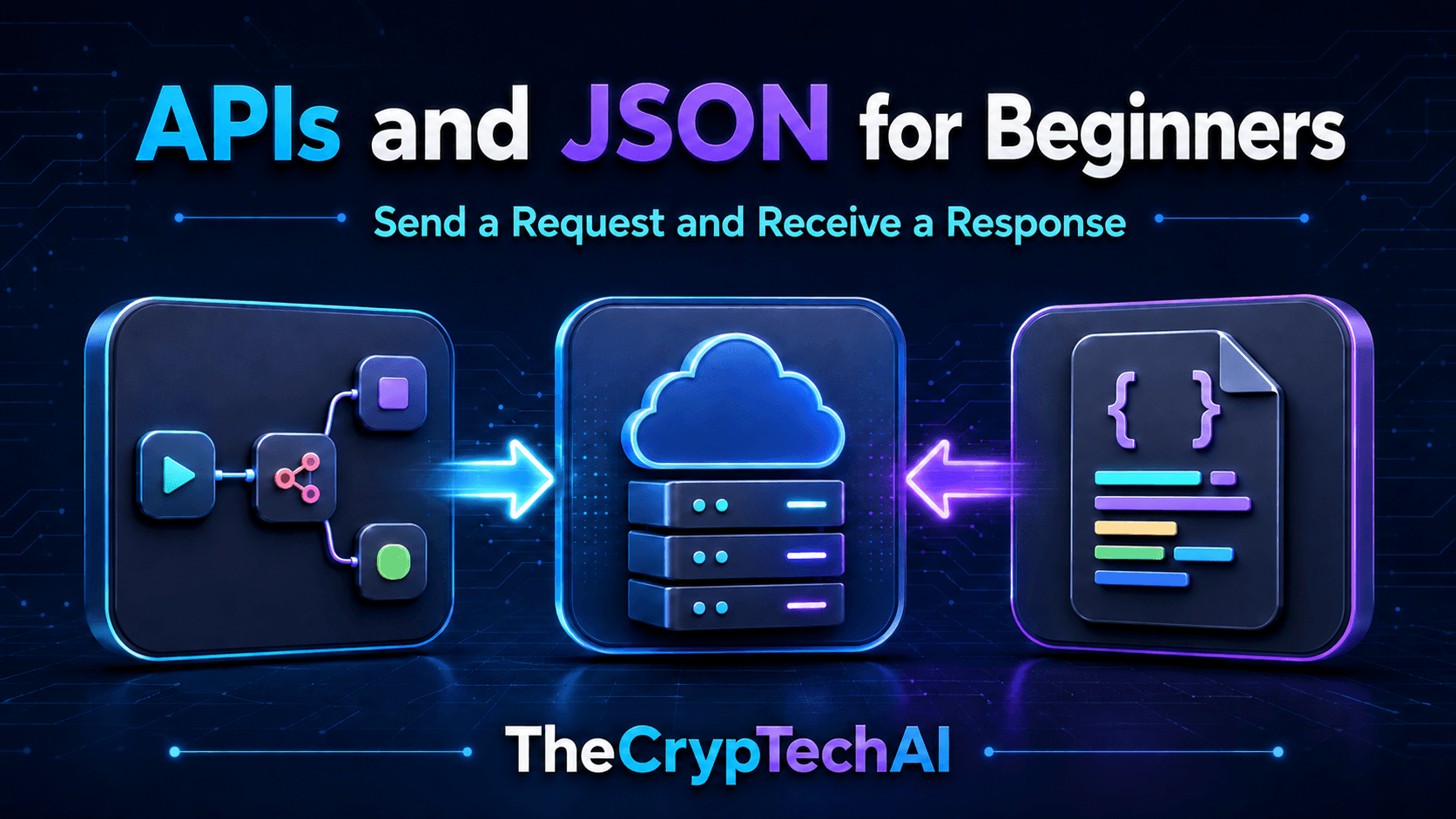
What Is an API?
An API is a method that allows two applications to communicate according to defined rules. One application sends a request to an address called an endpoint, and the service returns a response containing the result.
For example, n8n can send a request to a weather or cryptocurrency service, receive the latest data, and use the result inside a workflow.
Common API Request Methods
- GET: Retrieves information from a service.
- POST: Sends new information.
- PUT or PATCH: Updates existing information.
- DELETE: Requests the deletion of information.
Not every API supports the same methods. Always review the service documentation to identify the correct endpoint, required fields, and authentication method.
What Is JSON?
JSON is a structured text format commonly used to exchange data. It normally contains keys and values and can include text, numbers, Boolean values, and lists.
Here is a simple example:
{
"name": "TheCrypTechAI",
"status": "active",
"tools": 12
}
In this example, name, status, and tools are keys, while the information following them represents their values.
How Do You Use an API in n8n?
The HTTP Request node allows you to send API requests from an n8n workflow. You normally need to provide:
- A request method such as GET or POST.
- The API endpoint.
- Authentication details when required.
- Parameters, headers, or a request body according to the service instructions.
After the node runs, the response commonly appears as JSON. You can select values from the response and use them in another node through data mapping or expressions.
Common Response Status Codes
- 200: The request was successful.
- 400: The request or submitted data contains an error.
- 401: Authentication details are missing or incorrect.
- 404: The endpoint or requested resource was not found.
- 500: An error occurred within the receiving service.
Never place an API key directly inside public code or visible fields. Use the secure credentials system in n8n, and do not expose keys in screenshots or tutorials.
Explore the
free tools available from TheCrypTechAI
to see examples of tools that use data and digital services.
For more information about making API requests inside the platform, read the
official n8n HTTP Request documentation.
Key Takeaway
This guide to APIs and JSON for beginners shows that an API is used to request or send information, while JSON organizes that information into keys and values. In n8n, the HTTP Request node can send the request, receive the response, and pass its data to the remaining workflow steps.
اختبر فهمك
Check Your Understanding
سؤالان سريعان لتثبيت أهم ما تعلمته.
Two quick questions to reinforce the key ideas.